How to Compress Images Online Down to Target Kilobytes
Bring heavy multi-megabyte photography down to strict official recruitment thresholds safely without losing edge sharpness.
Introduction to File Optimization
Encountering rigid kilobyte limits on application portals like NEET, UPSC, or central banking dashboards can be highly frustrating. Uploading raw smartphone captures often fails because their file weights exceed maximum limitations. This step-by-step practical guide demonstrates how to trim hidden asset bytes cleanly right inside your current browser context.
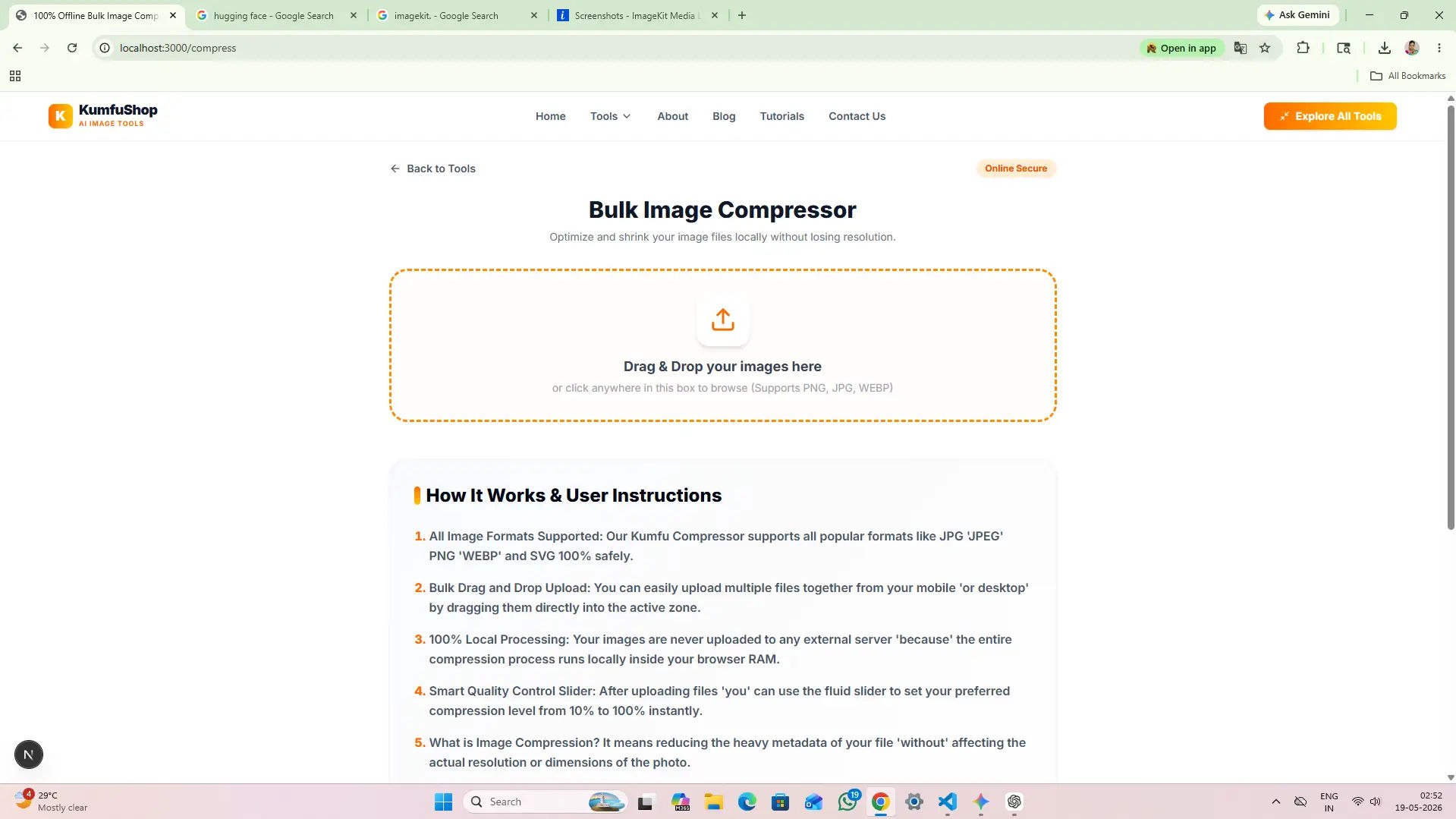
Drop Image Matrix Into the Sandbox
Launch our offline processing module at /compress. Drop your high-resolution signature image or portrait graphic onto the dashboard drop-zone layout. The platform analyzes your canvas pixel parameters natively without initializing server connection pipes.
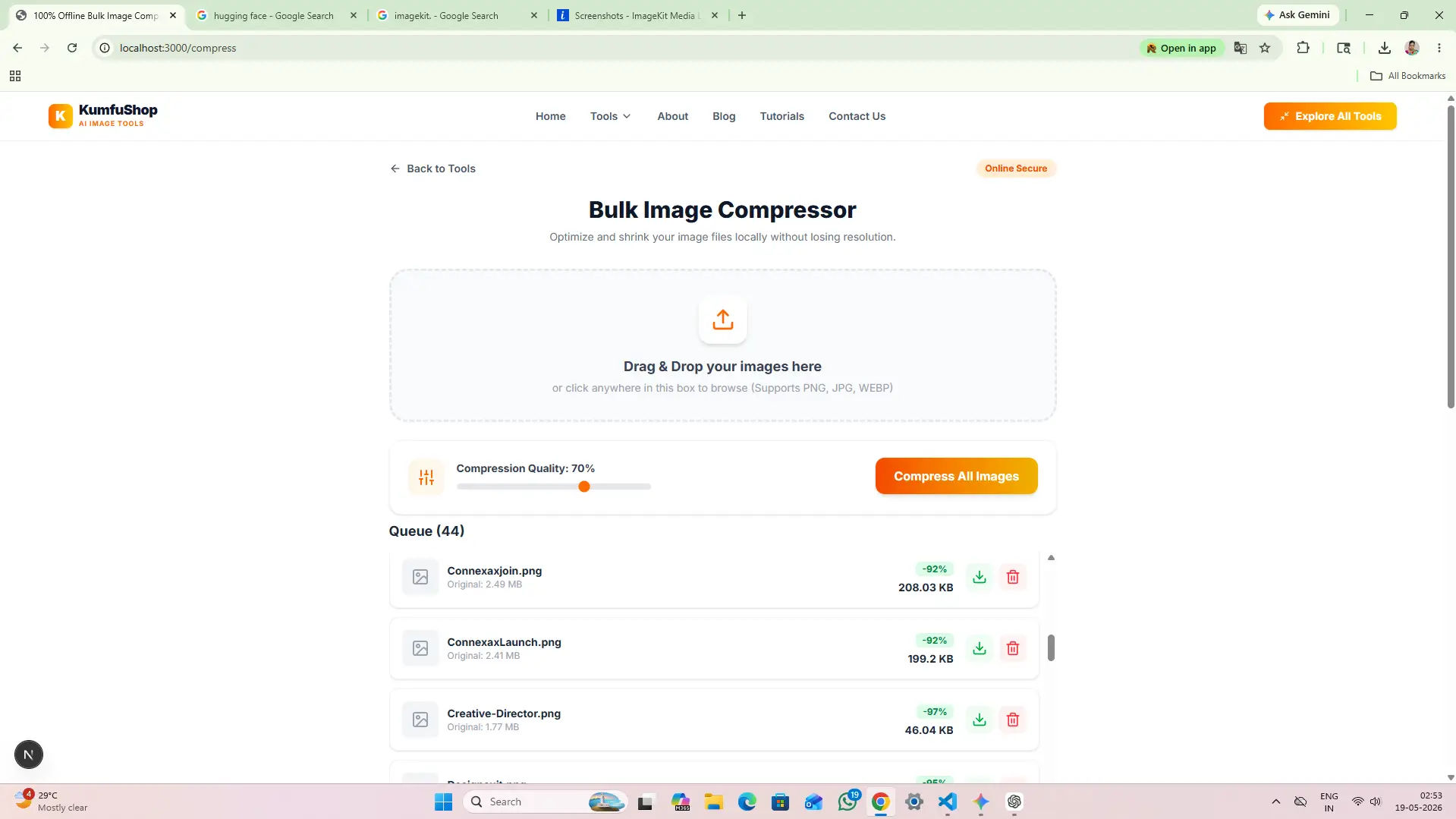
Set Target Sizing Limit Coordinates
Navigate to the slider module panel and type your required kilobyte parameters (e.g., exactly under 20KB or 50KB). The client-side encoding configuration loops through your image array parameters dynamically, adjusting color depth matrices to target the specified threshold exactly.
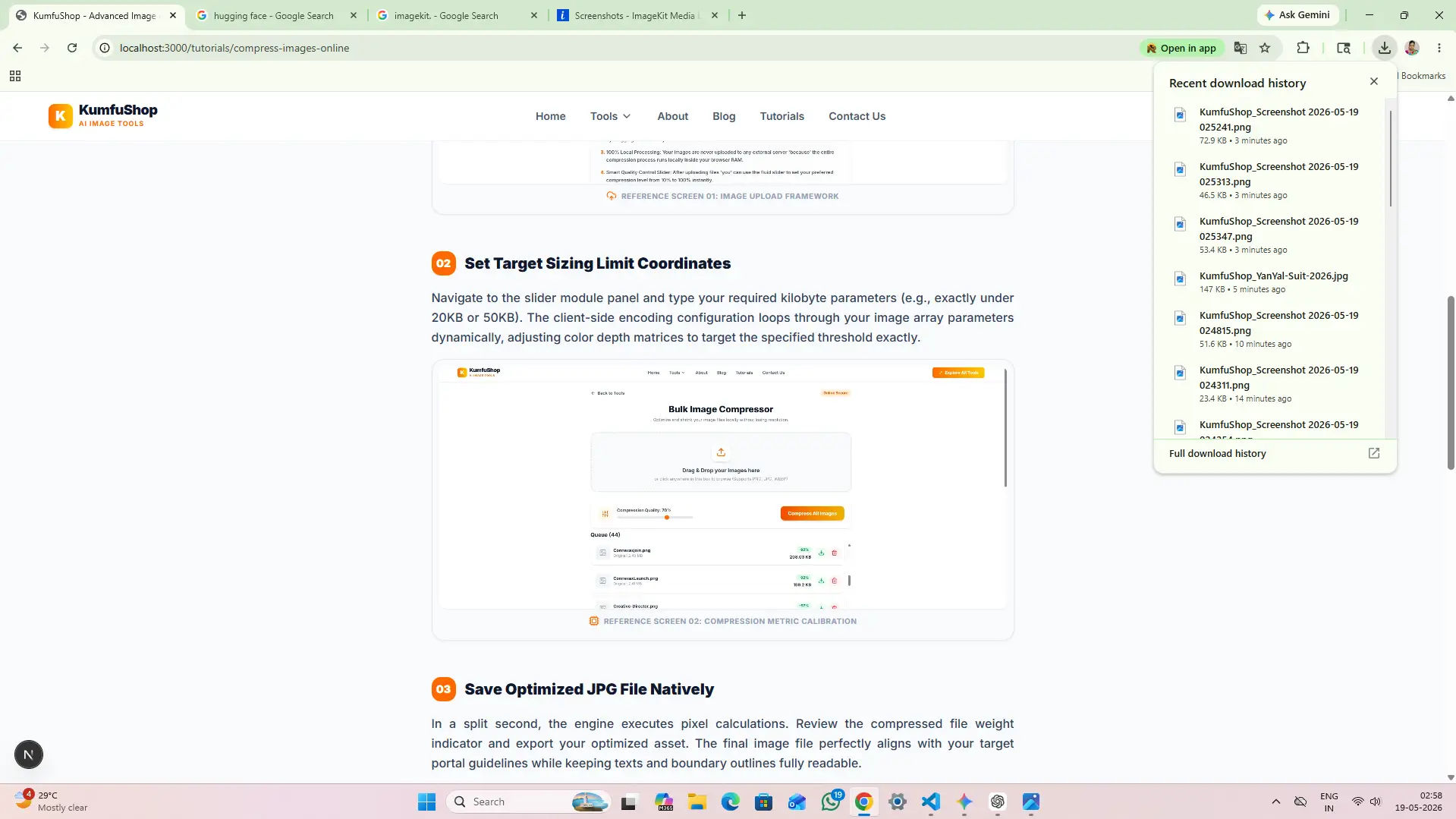
Save Optimized JPG File Natively
In a split second, the engine executes pixel calculations. Review the compressed file weight indicator and export your optimized asset. The final image file perfectly aligns with your target portal guidelines while keeping texts and boundary outlines fully readable.
Run High-Speed Local Optimization Now
Bypass complex upload waiting loops. Implement the exact programmatic compression steps demonstrated above inside KumfuShop local workspace threads instantly.
Our Decentralized Platform Mission
Providing high-speed digital tools without forcing students to give up ownership of their credentials or sit through endless ad streams is an absolute commitment at KumfuShop, deployed under the governance of Narayan Industries (NRI). Dedicated entirely to the honoring memory of our late father Shri Harinarayan Prasad, we build decentralized architectures to prioritize community benefit over massive compute margins.
By processing optimization calculations entirely inside client browser frames, we insulate your private portfolios from remote cloud storage hacks, scaling high-fidelity performance loops safely for applicants all over India.
Compression Q&A
Not if you use smart local matrix optimization algorithms. Traditional cloud compressors compress files aggressively to save their own server space. KumfuShop processes data locally inside your browser RAM, reducing bit weights while keeping important edges crisp.
Yes. Our native engine preserves alpha channels during standard optimization. However, if your target recruitment portal demands a JPG format, the platform will automatically overlay a clean white background layer.