How to Resize Image for Passport and Document Formats
Adjust layout coordinates, pixels, and absolute canvas geometry constants accurately without horizontal stretching or distortion.
Introduction to Canvas Resizing
Modifying the physical boundaries and pixel distributions of an identity document or portrait photo requires high geometric accuracy. Shifting width values blindly without safeguarding native proportional rules destroys graphic symmetry, causing system rejections. This step-by-step optimization tutorial guides you through scaling coordinates safely without stretching.
Lock Canvas Aspect Proportions
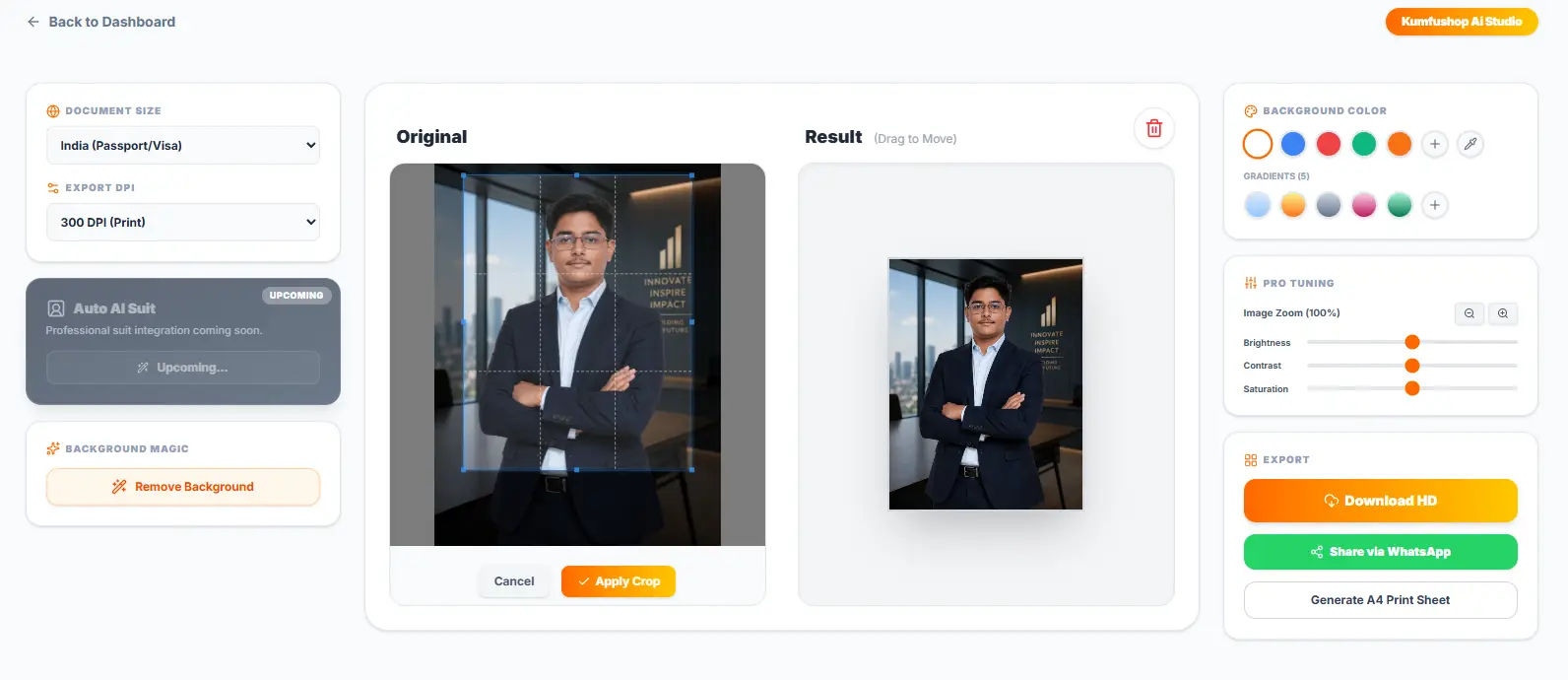
Import your targeted photography parameters into our native browser canvas dashboard. Before applying custom numbers, verify that the coordinate constraint lock remains fully active. This ensures that any horizontal shift triggers a uniform vertical adjustment automatically.
Input Custom Pixel or Metric Widths
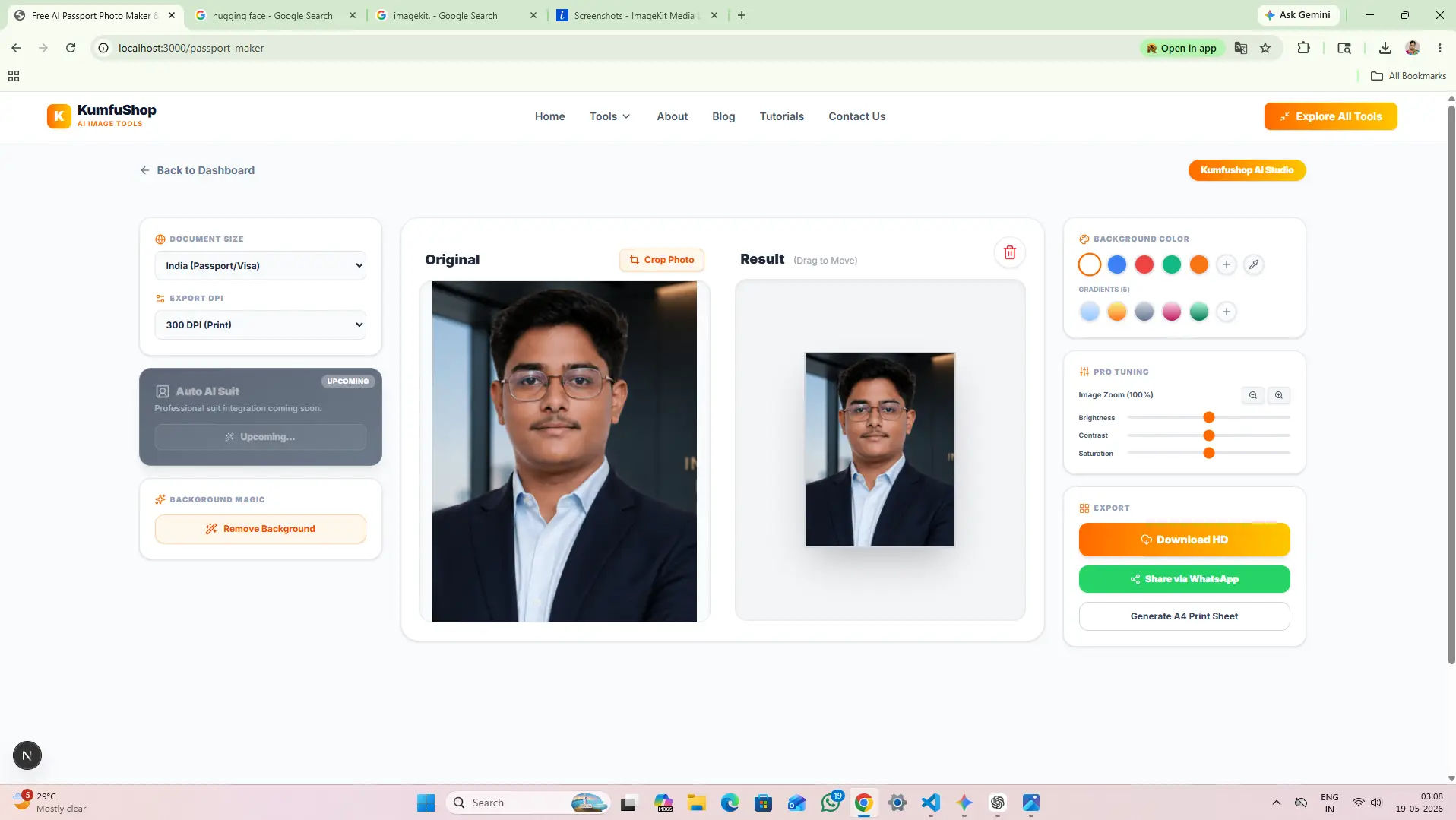
Type your required legal document dimensions inside the layout input blocks (e.g., standard pixel widths or official centimeter values). The local scripting framework recalculates structural pixel vectors smoothly using bilinear interpolation arrays to mitigate edge blurring.
Export Resampled Geometries Natively
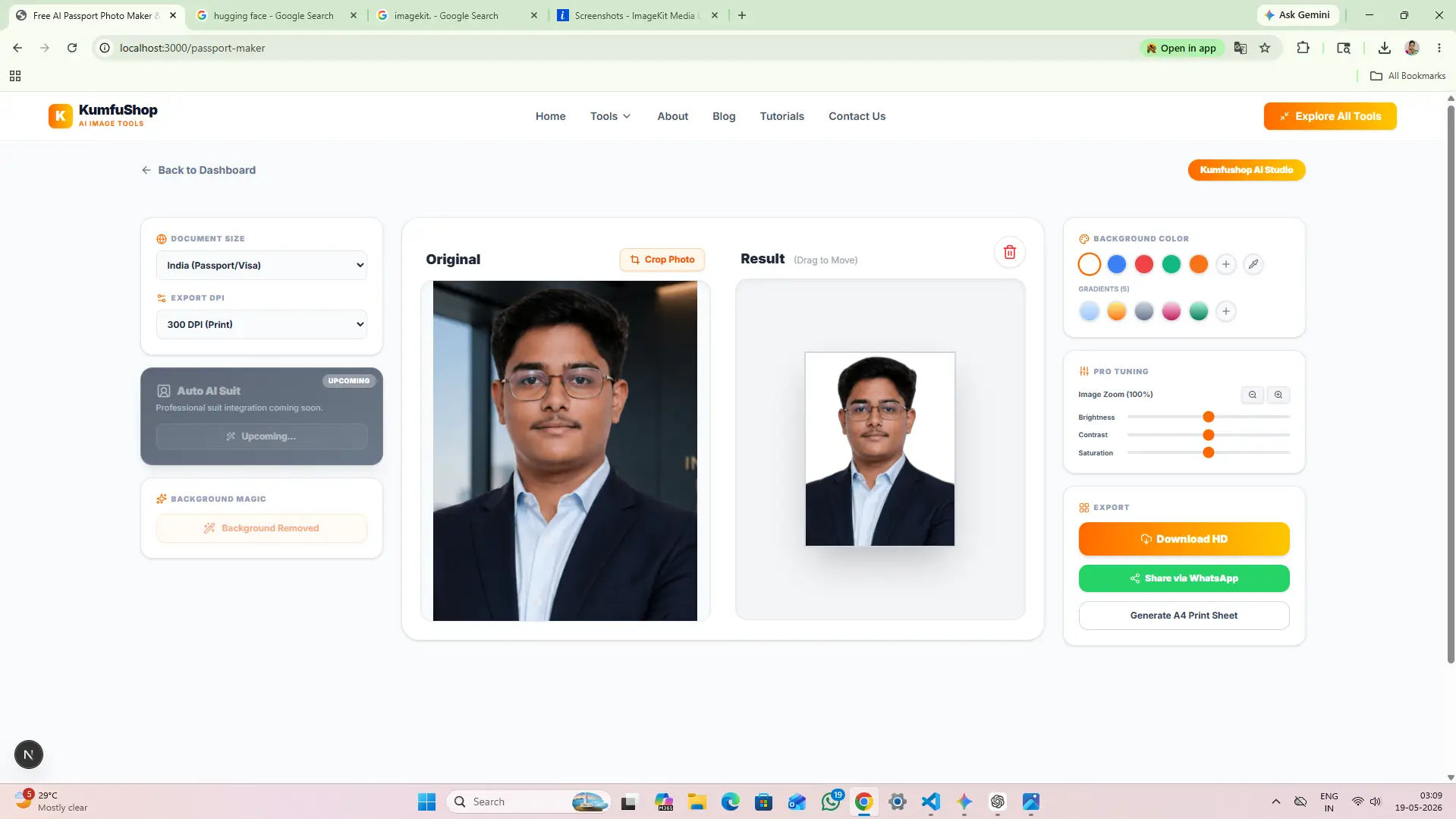
Review the newly established asset bounds inside the live preview block. Once satisfied with the shape boundaries, trigger the final extraction loop to download your perfectly resampled image cutout directly to your device repository.
Format Dimensions to Legal Standards
Need to format your photographs to meet strict official dimensions? Open our AI Passport Photo Maker to scale your assets perfectly to worldwide identity specifications with a single tap.
Our Core Ecosystem Guarantees
Developing fast web utilities that protect user documents from malicious tracking loops is a core pillar maintained by Narayan Industries across the decentralized Panda YanYal Groups Ecosystem. In absolute dedication to our late father Shri Harinarayan Prasad, we shape architectures to distribute pristine values to students without costly barriers.
By keeping data transformation cycles local, KumfuShop keeps your proprietary identity credentials isolated from background web storage clusters, driving safe performance metrics across all endpoints seamlessly.
Geometry FAQ
Bypassing the aspect locks results in unnatural stretching or compression across horizontal matrices, rendering your signature or face unrecognizable. Our local workflow enforces fixed coordinate scaling to safeguard visual proportions.
Yes. Our ecosystem system allows users to input target metrics in centimeters, millimeters, or pixels, automatically scaling structural graphics to match legal parameters perfectly.